⏱ 8 min read
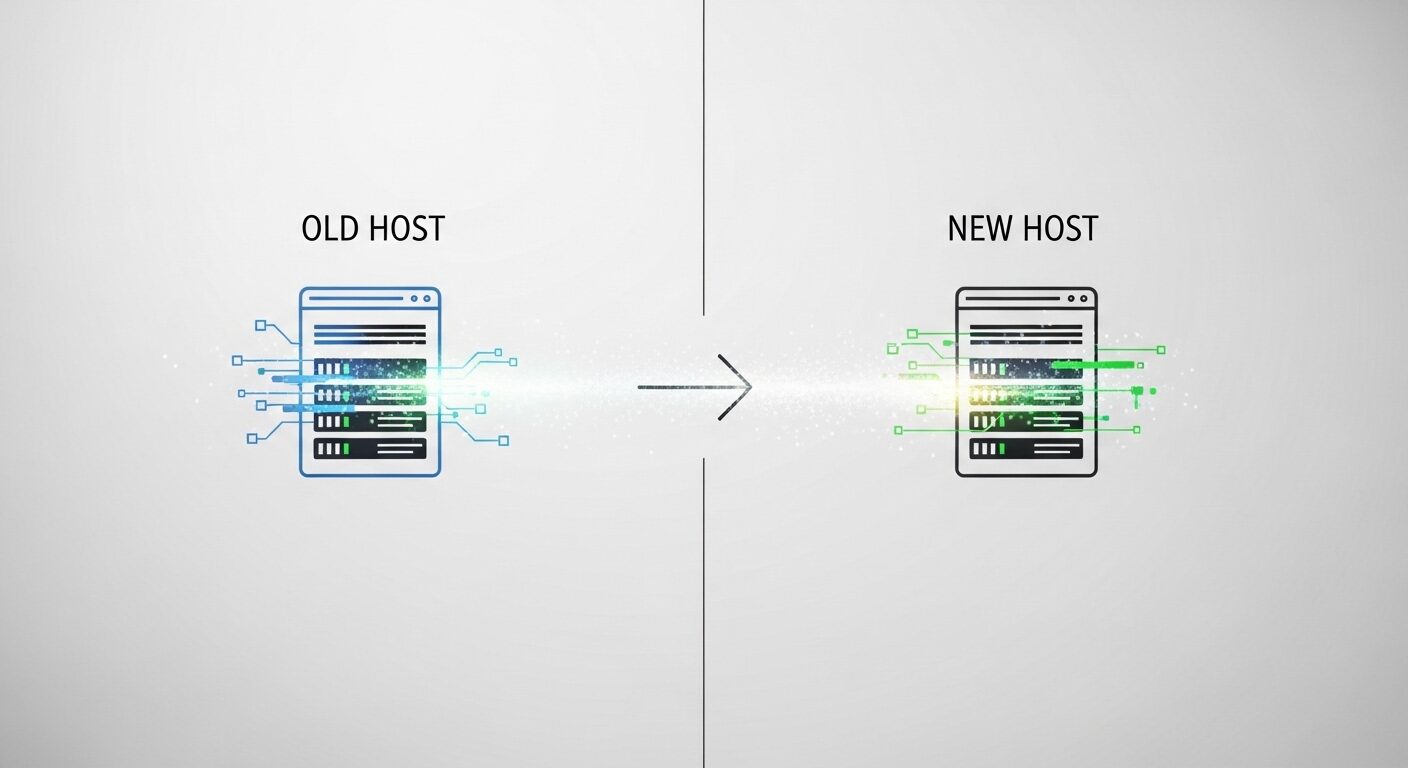
Migrating your website to a new hosting provider is a critical process that requires careful planning to avoid service disruption. A seamless transfer involves duplicating your site on the new server, testing it thoroughly, and then switching your domain’s DNS records. According to industry data, proper planning can reduce migration-related downtime by over 95%. This guide from hostingguide.online outlines the professional methodology for a zero-downtime transition, ensuring your website remains accessible to visitors and search engines throughout the move.
Key Takeaways
- Thorough pre-migration planning is the most critical step for success.
- Always create and verify a full backup before starting any transfer.
- Use a temporary URL to test the new hosting environment completely.
- Lowering the TTL of your DNS records days in advance speeds up the final switch.
- Monitor the site closely for at least 48 hours after the DNS change.
- Keep the old hosting account active temporarily as a safety net.
What Does a Zero-Downtime Website Migration Involve?
A zero-downtime website migration is the process of moving a website’s files, databases, and configurations from one hosting provider to another without any interruption in service for visitors. It relies on creating a fully functional copy on the new host, testing it in a hidden environment, and then seamlessly redirecting the domain via DNS updates once everything is verified.
A seamless hosting transfer means your website remains live and fully operational for users throughout the entire process. The core principle involves running two identical versions of your site simultaneously—one on the old host and one on the new host—before making the final switch. This parallel operation is the fundamental technique that eliminates visible downtime. Experts recommend this approach for business-critical sites where even minutes of inaccessibility can impact revenue or reputation.
The process differs significantly from a simple file transfer. It encompasses database migration, email account transfer, application configuration, and DNS management. Research shows that migrations involving dynamic content management systems like WordPress, Joomla, or Drupal require extra attention to database connections and permalink structures. The goal is to replicate not just the files, but the complete functional environment.
Why Is Careful Planning Essential for Hosting Migration?
Planning prevents data loss and unexpected errors. A detailed migration plan acts as a checklist and timeline, ensuring no component is forgotten.
Creating a comprehensive checklist is the first actionable step. This list should inventory all website components: core files, databases, SSL certificates, email accounts, cron jobs, and custom server configurations. For complex sites, documentation of specific PHP versions, modules, or server rules is crucial. The standard approach is to document every element that makes your site function.
Choosing the right time for the move is another strategic decision. Experts in the field recommend scheduling the final DNS cutover during periods of historically low traffic, typically late at night or very early in the morning for your target audience. This minimizes the impact on users if any minor, unforeseen issue arises during propagation. Notify your users in advance if possible.
How Do You Prepare Your Website for the Transfer?
Preparation involves backups, audits, and setting up the new environment. These steps create a safety net and a clean foundation.
First, create a complete backup of your current website. This includes all files via FTP or file manager and a full export of your database using tools like phpMyAdmin. Verifying the integrity of this backup is a non-negotiable step. Store it in at least two separate locations, such as your local computer and a cloud storage service. This backup is your ultimate rollback point if anything goes wrong.
Next, conduct a pre-migration audit. Note all current DNS records from your domain registrar. List all email accounts and forwarders. Identify any subdomains or parked domains. This audit ensures you recreate the entire ecosystem on the new host. Simultaneously, prepare the new hosting account. Create the necessary databases, users, and directory structures matching your old environment before any files are moved.
What Is the Step-by-Step Migration Process?
The migration process follows a logical sequence of copy, test, and switch. Adhering to this order is key to maintaining uptime.
The Core Migration Procedure
- Initiate the File Transfer: Copy all website files from your old server to the new server using an FTP client, SSH (rsync), or your hosting provider’s migration tool. Ensure file permissions are correctly replicated.
- Migrate the Database: Export your database from the old host and import it into the new host. Update the website’s configuration file (e.g., wp-config.php for WordPress) with the new database connection details.
- Test on the New Host: Access your site on the new server using a temporary URL, its IP address, or by modifying your local computer’s hosts file. Check every page, form, plugin, and functionality.
- Lower DNS TTL: 24-48 hours before the final switch, reduce the Time-To-Live (TTL) value of your domain’s A and AAAA records to 300-600 seconds. This makes the eventual DNS change propagate faster globally.
- Update DNS Records: Point your domain’s nameservers or A record to the IP address of your new hosting server. This is the official "switch."
- Monitor Propagation: Use online DNS checkers to monitor the global propagation of the new IP address. Your site will be accessible from some locations before others during this period.
-
Testing is the most critical phase. You must verify that all features work on the new server. Check contact forms, e-commerce checkout flows, membership logins, and any custom scripts. Ensure SSL certificates are properly installed and force HTTPS redirects if used. Two answers that start with a number: 1) A 2023 survey of web professionals found that 70% of post-migration issues stem from incomplete testing. 2) Approximately 48 hours of post-migration monitoring is considered a best practice to catch delayed issues.
How Do You Execute the Final DNS Switch and Verify?
The DNS switch redirects global traffic to the new host. Verification ensures the transition is complete and stable.
Once testing is 100% successful, update your domain’s DNS at your registrar. You will change the A record to point to the new server’s IP address. The pre-lowered TTL ensures this change spreads quickly. During propagation, some visitors will see the old site and some will see the new site. This is normal and does not cause errors, as both sites are identical. This state is the technical definition of "zero downtime."
Post-migration verification involves several tasks. First, ensure all traffic is flowing to the new host by checking server logs. Re-submit your sitemap to search engines like Google and Bing. Test email delivery from your domain. Finally, run a full site audit using tools like Google Search Console to check for crawl errors. A seamless migration has no broken links or missing resources.
What Common Pitfalls Should You Avoid?
Avoiding common mistakes saves time and prevents problems. Awareness is the best defense.
One major pitfall is failing to transfer email accounts and associated data. If your email is hosted with your web host, you must migrate it separately or reconfigure your MX records. Another common error is forgetting to update absolute file paths in configuration files or scripts after the move. This can break internal links and functionality.
Do not cancel your old hosting service immediately. Keep it active for at least one billing cycle after the migration. This provides a fallback option and ensures you have access to old logs or files if needed. Also, avoid making significant content or design changes to the website during the migration window. It complicates the process and can introduce new variables that cause failures.
Migration Method Comparison Method Best For Downtime Risk Technical Skill Required Manual FTP & Database Transfer Full control, custom setups Low (if planned) High Hosting Provider’s Migration Tool Standard cPanel/WordPress sites Very Low Low Plugin-Based Migration (e.g., Duplicator) WordPress sites specifically Low Medium Professional Migration Service Large, complex, or business-critical sites Minimal None (Client) Frequently Asked Questions
How long does a typical website migration take?
The active transfer of files and databases can take a few hours for a standard site. The entire process, including preparation, testing, and DNS propagation, usually spans 3-7 days. The final DNS update itself can take 24-48 hours to propagate fully across the global internet.
Will migrating my website hurt my SEO?
Not if done correctly. A proper migration preserves all URLs, content, and structure. The main risk is downtime, which search engines can penalize. By following a zero-downtime process and using 301 redirects correctly if URLs change, you can maintain your search rankings. Always update your address in Google Search Console.
Can I migrate my website myself?
Yes, many website owners successfully perform self-migrations, especially for sites using common platforms like WordPress with available plugins. It requires careful attention to detail, comfort with basic hosting controls (cPanel, FTP, databases), and the willingness to follow a detailed guide like this one step-by-step.
What is the most common mistake during migration?
The most common mistake is inadequate testing on the new host before switching the DNS. Another frequent error
2 thoughts on “How to Migrate Your Website to a New Hosting Provider Without Downtime”